Every common code
QR codes and the usual barcodes, read live by the camera, with a flashlight for dim places and zoom for small codes far away.
Links you can check first
A link shows its website's address before anything opens, so a code on a poster or a parking meter can't send you somewhere unexpected.
The right button for each code
Connect to Wi-Fi, add a contact or an event, call, send an email or a message, open a place in maps, or search a product's barcode.
From photos, and your own codes
Read a code from a screenshot or a photo, keep useful scans with a star, and make QR codes for a link, your Wi-Fi or your contact card.
Your files stay yours
Codefold has no account and never uploads the pictures it reads. Codes are read on your phone, and your history stays on your phone. The app is free with ads from Google AdMob, which never see your scans.
Guides
Practical guides to scanning QR codes and barcodes on Android, safely.
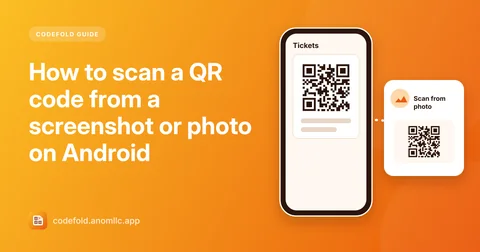
- How to scan a QR code from a screenshot or photo on Android
Got a QR code in a screenshot, a chat or an email? Scan it on the same phone, without a second device. Step-by-step, plus fixes when the picture won't read.
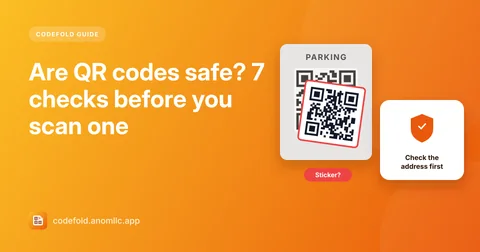
- Are QR codes safe? 7 checks before you scan one
Fake QR codes on parking meters, posters and emails lead to look-alike payment pages. Seven quick checks before you scan and open a link, and what to do if you already did.
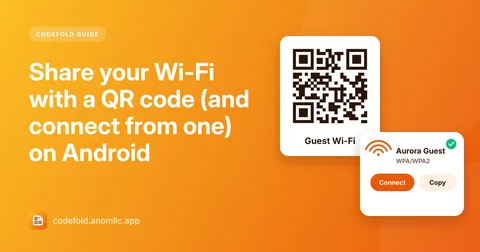
- Share your Wi-Fi with a QR code (and connect from one) on Android
Let guests join your Wi-Fi without typing the password: make a Wi-Fi QR code, print it or show it, and connect from one in a tap. How the code works and how to keep it safe.
Questions
Is Codefold free?
Yes. Codefold is free and there is no account to create. It shows a banner on the Create and History screens and under results, and now and then a full-screen ad when you close a result. There are never ads over the camera.
Which codes can it read?
QR codes, Data Matrix, Aztec and PDF417, and barcodes such as EAN-13, EAN-8, UPC-A, UPC-E, Code 128, Code 39, Code 93, ITF and Codabar.
Does it open links by itself?
No. Codefold shows the website's address first and opens it only when you tap Open link, so you can check where a code leads before you visit it.
Can I scan a QR code from a screenshot or photo?
Yes. Tap Scan from photo and pick the picture, or share a picture to Codefold from your gallery or another app. The picture is read on your phone and isn't kept.
Can it connect to Wi-Fi from a QR code?
Yes. On Android 11 and newer, tap Connect and your phone asks you to save the network. On older phones, copy the password and open the Wi-Fi settings.
Which phones and languages does it support?
Android 8.0 or newer. The app is in English, Hindi, Vietnamese and Indonesian.