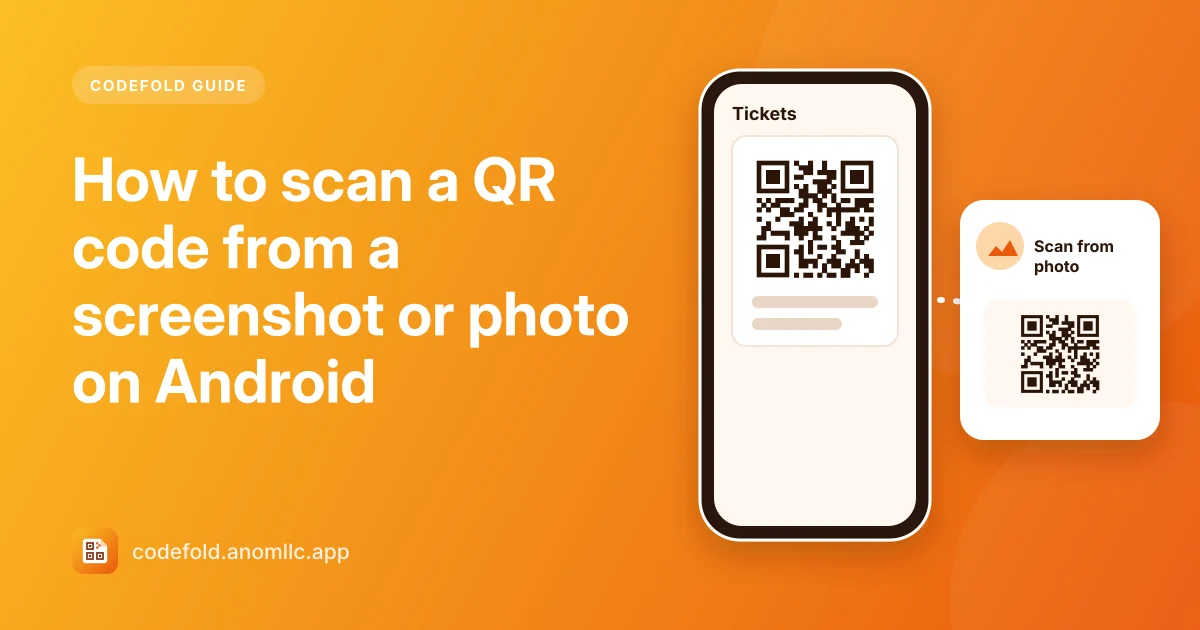
When a QR code is on your own screen (a ticket in an email, a payment code in a chat, a Wi-Fi code someone sent you), you can't point your camera at it. You don't need a second phone: take a screenshot, or save the picture, and scan it from your gallery. In Codefold that's Scan from photo.
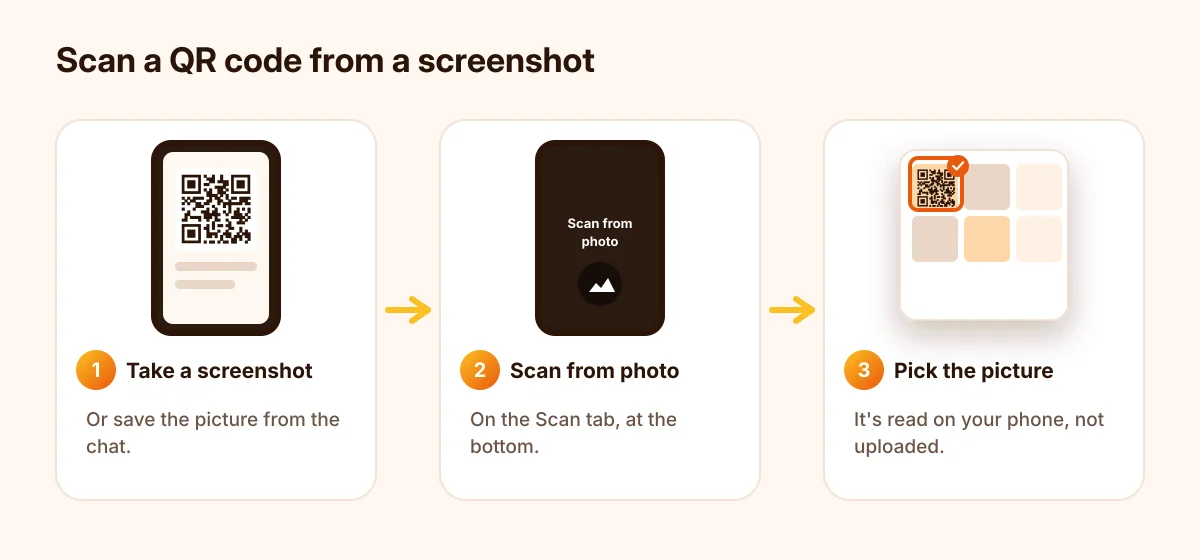
Scan a screenshot in Codefold
- Take a screenshot of the QR code (usually Power + Volume down at the same time), or save the picture from the chat or email.
- Open Codefold and stay on the Scan tab.
- Tap Scan from photo at the bottom of the screen.
- Pick the screenshot in the photo picker. Codefold only sees the picture you pick.
- Read the result and tap the button you need: Open link, Connect, Copy and so on.
Or share the picture straight to Codefold
From your gallery, a chat or an email: open the picture, tap Share, and choose Codefold. The app opens and reads the code at once. This is the quickest way when the picture is already open.
If the picture won't read
- Crop out the rest. If the code is small in a big screenshot, crop the screenshot to the code (most galleries have an Edit or Crop button) and try again.
- Use the original, not a forwarded copy. Chat apps compress pictures each time they're forwarded, and a blurry code can stop reading. Ask for the original file.
- Make sure the whole code is in the picture. All three corner squares and a little white border around the code need to be there.
- Avoid photos of screens at an angle. If you photographed another screen, take the photo straight on, or ask for a screenshot instead.
Works for barcodes too
The same steps work for barcodes in pictures, such as a membership card or a parcel label someone sent you. Codefold reads EAN, UPC, Code 128 and the other common types.
Is it private?
The picture is read on your phone by the scanner built into the app. It isn't uploaded or saved by Codefold, and the photo picker means the app never sees the rest of your gallery. The result is saved in History on your phone, unless you turn History off in Settings.
New to scanning? Start with how to scan a QR code on Android.