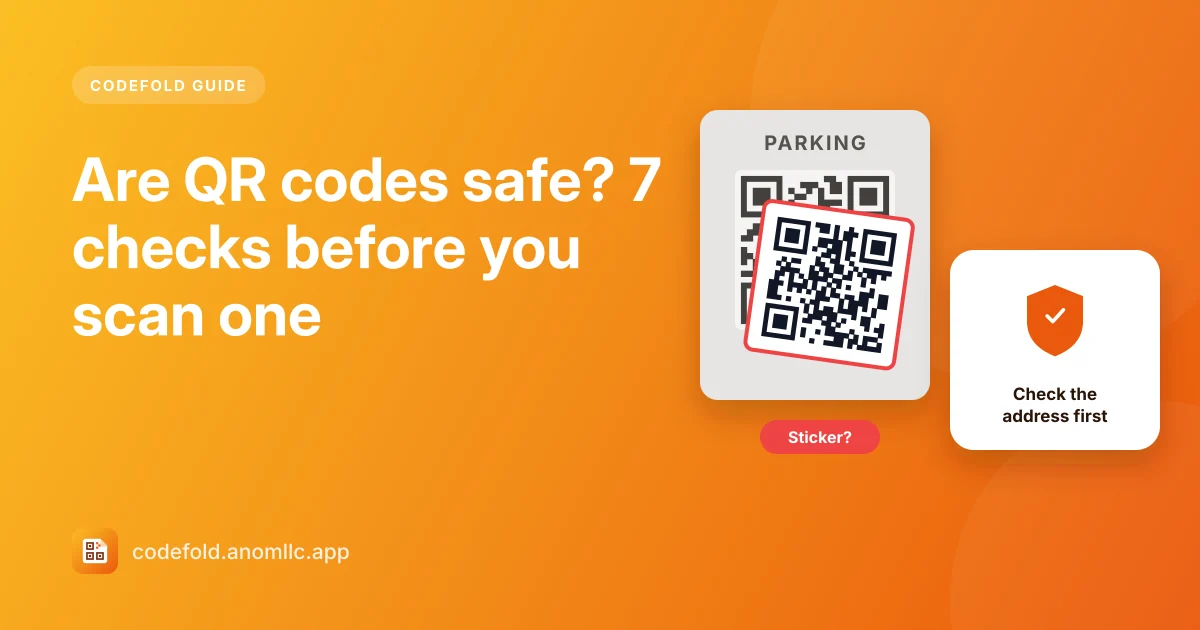
A QR code is only a way to write text, usually a web address, so a code itself can't hack your phone. The risk is where it sends you: scammers stick fake codes on parking meters and posters, or put them in emails, to lead people to look-alike payment or login pages. This is sometimes called "quishing". A few checks make it easy to stay safe.
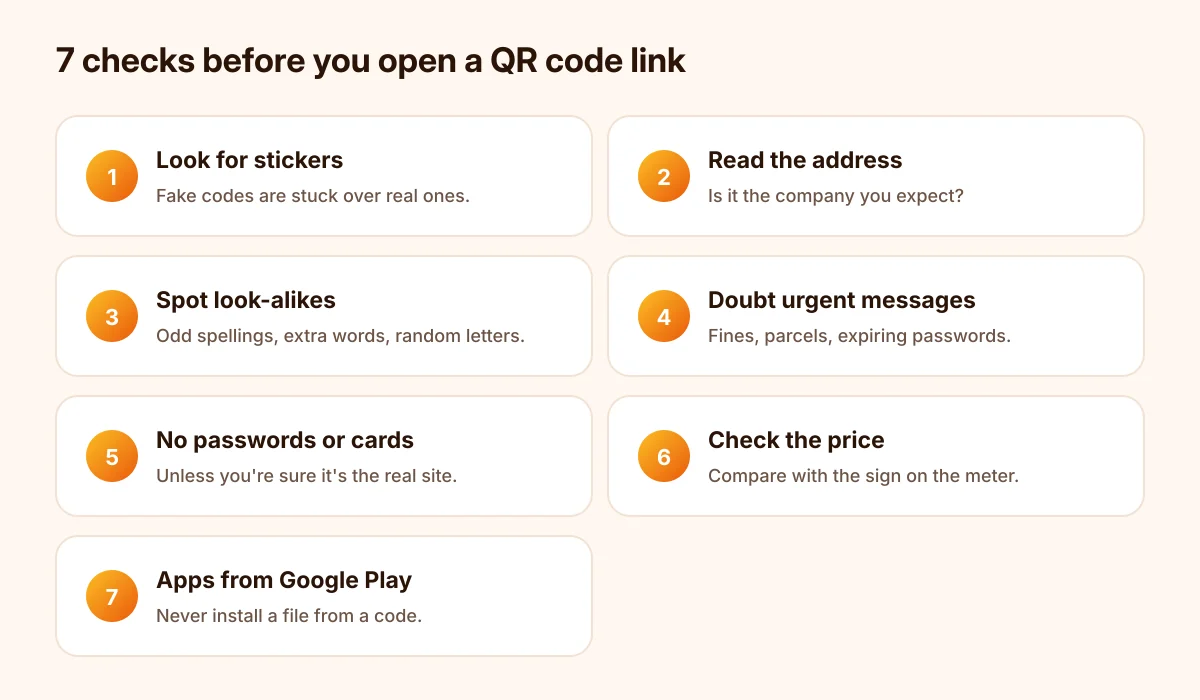
7 checks before you scan and open
- Look at the code itself. Is it a sticker on top of another code, on a parking meter, a bike rack or a poster? Fake codes are often stuck over real ones.
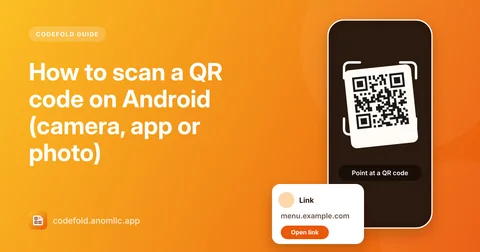
- Read the address before opening it. Codefold never opens links by itself: it shows the website's name first. Check that it's the company you expect, spelled correctly.
- Watch for look-alike names. "paypa1", "amaz0n-help", extra words like "secure-login" or a long string of random letters are warning signs.
- Be wary of codes in unexpected emails or letters, especially ones about a parcel, a fine, a bank account or a password that "expires today". Go to the company's site or app yourself instead.
- Don't type passwords or card numbers on a page you reached from a code unless you're sure it's the real site. For payments, use the official app.
- Check the price on payment pages. At a parking meter, compare with the price on the meter itself.
- Download apps only from Google Play, not from a link in a QR code that installs a file directly.
What a QR code can and can't do
- It can: show a link, Wi-Fi details, a contact, a phone number, an email or plain text.
- It can't: run anything on your phone by being scanned. A good scanner, like Codefold, also never acts until you tap a button.
- The link can: lead to a page that asks for passwords, payment details or a download. That's where the danger is.
If you already opened a suspicious link
- Didn't type anything? Close the page. Just visiting is low-risk on an up-to-date phone.
- Typed a password? Change it now on the real site, and anywhere else you use the same password. Turn on two-step verification.
- Entered card details? Call your bank with the number on your card and ask them to block it.
- Installed something? Uninstall it, and check Settings > Apps for apps you don't recognise.
- Report it. Tell the owner of the meter, poster or venue so they can remove the fake code.
Keep a record
Codefold keeps every scan in History on your phone, with the date and time. If you need to report a fake code, you can find exactly what it contained.
More about everyday scanning: how to scan a QR code on Android.